Friday, July 3, 2009

Let a simple presentation take you to fame and glory!!!

Microsoft Student Partners
&
Delhi Techno Gradz


“PowerPresentia”


Exhibit Your Presentation Skills

Win Exciting Prizes…!!!


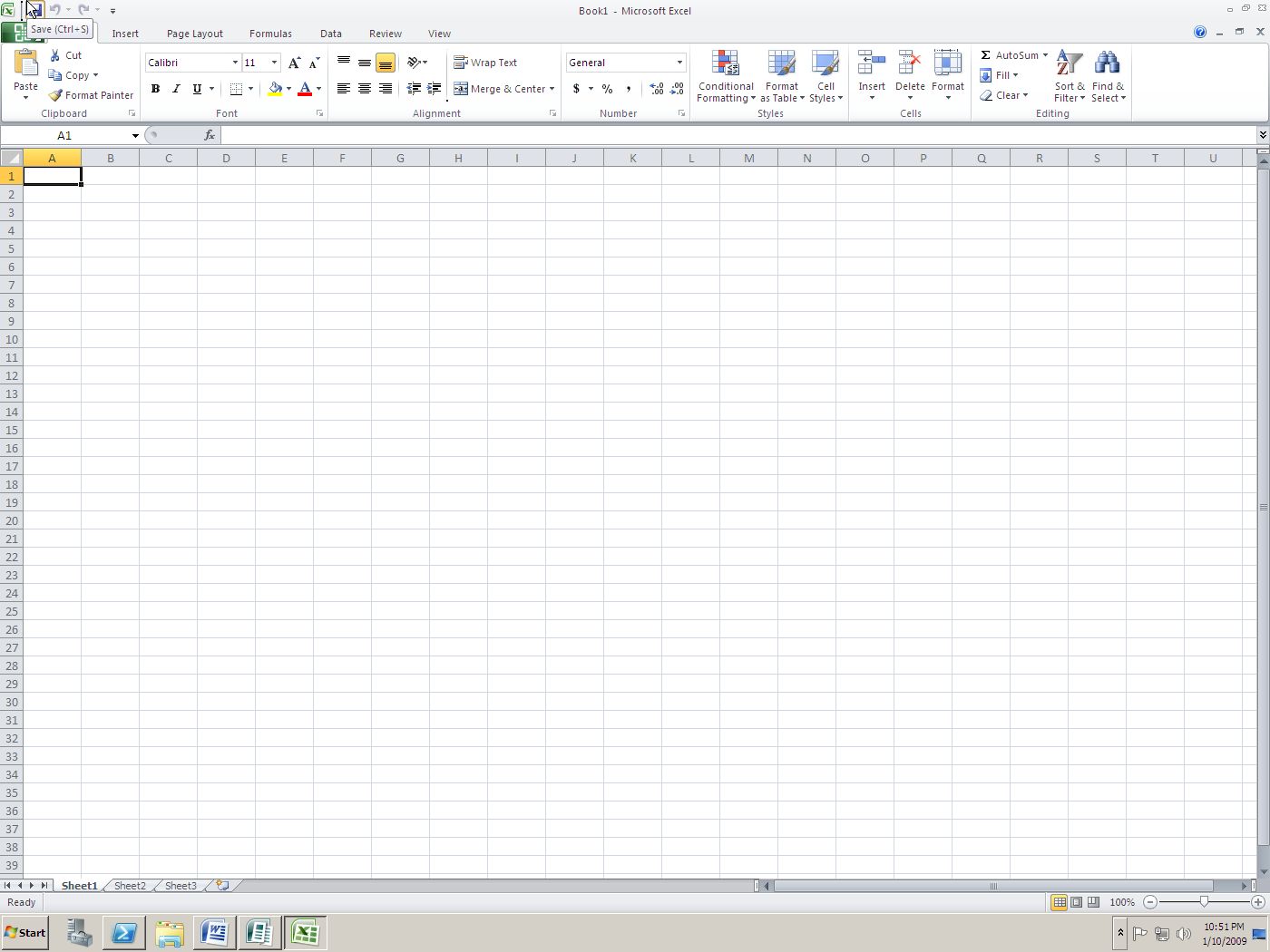
Hey guys, you are welcome to join this one of its kind, basic yet typical competition to test both your technical and creative skills. “Delhi Techno Gradz” brings to you “PowerPresentia”, the most widely used presentation software into a competitive platform. From schools to corporates, it’s always a simple presentation that holds the key, with an upper edge over others. It will not only test your PowerPoint skills but also test your understanding of the source codes.

The Competition:

(1) The student must first choose a single project among the given, and prepare a PowerPoint presentation.


(2) Translate your concept into a multimedia presentation (PowerPoint) using text, pictures, graphs, animation, audio, and video.


(3) The completed presentation must be submitted as a PowerPoint presentation (.ppt or .pps or .pptx or .ppsx)


(4) Choose a project from one of the categories: C++, C #, JAVA, PHP, VB


(5) Projects will be supplied by us, no external projects allowed.


Judging:

(1) Proficiency in using PowerPoint. Does the presentation run smoothly using a variety of media, animation techniques, transitions, and timing.


(2) Imagination and creativity of presentation.


CONTEST BEGINS : 5th July
SUBMISSION DEADLINE : 12th July

The Victorious would be rewarded and all those who attempt it would not go empty handed


For further details and queries : delhitechnogradz.groups.live.com
or
mail us : delhitechnogradz@live.com

Wednesday, June 24, 2009

TechED on road to Delhi& NCR

Dear All,
Please register yourself for the Tech Ed On the Road, Delhi/NCR

Day 1 : 27th June, 2009: TechED on the Road for IT Professional's
Venue:
Microsoft Office, 5th Floor,
Eros Corporate Tower,
Nehru Place,
New Delhi - 110017

Timings: 10:00 AM - 05:00 PM

For registration of IT Professional's Session:
https://www.clicktoattend.com/register.aspx?eventid=139035

Day 2 : 28th June, 2009: TechED on the Road for Developers

Venue:
Microsoft Corporation (I) Pvt. Ltd.
9th Floor, Tower A, DLF Cyber Greens,
DLF Cyber Citi, Sector 25A,
Gurgaon (Haryana)

Timings: 10:00 AM - 05:00 PM

For Registration of Developer's Session:
http://teotr.eventbrite.com

Agenda for Day 1:
Timings Topics Speakers

10:00 AM – 11:00 AM Keynote Rishu Mehra (Co-Owner, Delhi IT Pro)
11:00 AM – 12:30 PM Windows Client & Windows Server 2008 NAP- Better Together Usman Zman
12:30 PM – 02:00 PM Virtualization 360 Gunish Rai Chawla
02:00 PM – 03:00 PM Lunch

(To be managed by participants)

03:00 PM – 04:30 PM Reducing the Size of your Database using Data Compression/Binary Compression in SQL Server 2008 Mohit Jain

04:30 PM – 05:00 PM Q n A & Prizes

Agenda For Day 2:
Timings Topics Speakers

10:00 AM – 11:00 AM Keynote Rishu Mehra
11:00 AM – 12:30 PM Windows 7 for Developers Aditya Mani
12:30 PM – 02:00 PM What’s New in Silverlight 3 Subodh Pushpak
02:00 PM – 03:00 PM Lunch

(To be managed by participants. )

03:00 PM – 04:30 PM Welcome to ASP.NET 4.0 with VS2010 Ravi Pahuja
04:30 PM – 05:00 PM Q n A & Prizes

Make sure you are there!!

Wednesday, June 3, 2009

Wireless Gaming from MS!!!!


Microsoft is controlling the early buzz at the massive E3 video game convention with its Project Natal technology, which allows gamers to interact with their Xbox 360s without the need for handheld controllers.

Along with the publicity, though, the company is creating a lot of questions regarding its ability to deliver on the innovation and promise demonstrated on a Los Angeles Convention Center stage Monday.

It made sense for Microsoft to invite Steven Spielberg to help introduce Natal to the throng of media and industry insiders in the audience. Natal uses a full-body motion capture camera along with voice and facial recognition technology to let users do their best impressions of Tom Cruise's character from Spielberg's 2002 science fiction opus "Minority Report." Like Cruise, Natal players will use their movements and their voices to interact with games and, as Spielberg hinted, possibly other forms of entertainment.

Demo Is One Thing, but What About the Living Room?

Natal looked great in the E3 demonstration and on the video presentations, Rosoff acknowledged, "but of course, we're going to have to see how it works in the real-world environment. They are camera-based sensors, so light and the amount of light in your room might be an issue. It's just one of those products that until you start to see some hands-on reviews, it's going to be hard to know whether it works as advertised."

Natal is a good answer to the Wii-mote, which has helped Nintendo vault back to the top of the video game industry, said Rosoff. However, Xbox has come a long way from the 2001 introduction of its original console, and now its 360 version has reached a solid No. 2 position in terms of sales, ahead of former leader Sony and its PlayStation 3.

Source : ECT News Network

Monday, June 1, 2009

Lets Bing it!!!

Now that Bing is available for use outside Microsoft, here are some quick tips and tricks that will help you do more with Bing.com.


1. Use the full version of Bing

If you are using Bing outside North America, chances are that you seeing a localized version of Bing that may be missing some features. For instance, the Indian version of Bing.com doesn’t have search history and the image on the Bing home page here is not interactive as in the US version.

To explore the full version of Bing, go to this page and set English - US as your default region. You can now enjoy all the Bing features from anywhere

2. Track Companies from the IE Favorites Bar


If you search for a company stock (e.g. GOOG or MSFT), Bing will automatically create a web slice for that company which you may then add to IE 8 and track the performance directly from the favorites bar. You need Internet Explorer 8 to try this feature.

3. Watch Preview of Hulu Videos outside US


Hulu hosts some popular popular TV shows but the problem is that you can only watch these videos if your computer has US based IP address.

However, Bing lets you watch shot previews of Hulu video even outside US. Just search for any TV show episode on Bing Videos (see example) and hover the mouse over any of the video thumbnail to watch a short clip.

4. Save and Email search results

With Bing, you can save your search history on to a local folder inside Bing or to your Windows Skydrive account. Alternatively, you may send your search queries to a friend via email or publish them on your Facebook wall via Bing. You’ll need Silverlight to share queries in Bing.

Office 2010...out from the pipeline!!!!!!

Office 2010, the next version of Microsoft's successful office programs suite, has been in closed testing for a while now. With a public beta expected later in the year, development is stepping up before the program, previously dubbed Office 14, is finally let out into the wild.

Thursday, May 28, 2009

The Latest E 52


Nokia E52 offers you Email with ease. You can send and receive emails easily. The advanced predictive text engine helps you write faster, and the large, clear screen is ideal for reading messages and browsing company websites. Nokia E52 has exceptional battery life which means you can stay connected whether you are at home, at work, or travelling. The Nokia E52 gives you up to 8 hours talk time (GSM), as well as noise cancellation for excellent talk quality. Nokia E52 helps you to stay organised. You can use the calendar to keep organised, and keep work time separate from free time with the Business and Personal Home screen modes.


Feature Overview

•2.4" Display

•One-Touch keys (Home, Calendar, Email)

•3.5 mm Nokia audio connector

•A-GPS with compass

•3.2 megapixel camera

•Home screen Modes – Business and Personal

Tuesday, May 26, 2009

Get your Pen and Paper ready and start drawing guys...

Delhi Techno Gradz - Logo Designing Contest

We invite all designers of Delhi and NCR to a unique opportunity to win FREE MICROSOFT CERTIFICATION vouchers by participating in the LOGO DESINGING CONTEST !

Guidelines :
· Register yourself at http://delhitechnogradz.groups.live.com/ . Submissions of only registered candidates will be considered.
· The logo must be identifiable directly to the Groups and its objectives.
· The logo must be original work of the submitter.
· The logo should be vector graphics of aspect ratio 1:1, not a bitmap image.
· Submission deadline : 5th June 2009 23:59:59 (IST)
· Announcement of Results: Within 10 days from end of contest.
· Participation : The competition is open to all students of Delhi and NCR only.


Prizes : Microsoft Certification Vouchers (each worth 50 $)


Submission format :
Each submission should include the following information and should be sent to delhitechnogradz@live.com with “DTG logo contest” as subject.


· Aspect ratio should be 1:1
· High resolution print-ready scalable vector format such as PSD, EPS or AI .
· JPEG or PNG thumbnail.
· Brief design concept / description.
· Participants full name, email address, College and contact number.


Any submissions not in the above format or from unregistered participants will be automatically ignored without any notifications.


For any queries mail us at delhitechnogradz@live.com , we will put the questions and answers on the group.


Vedant Arora
Microsoft Student Partner
Amity School of Engineering & Technology